Using Smart Cameras in Your Home
Smart cameras can work differently depending on how your home’s internet is set up. Below is a quick guide to help you understand what to expect based on your connection type.
Managed Wi-Fi (Apartments & Communities)
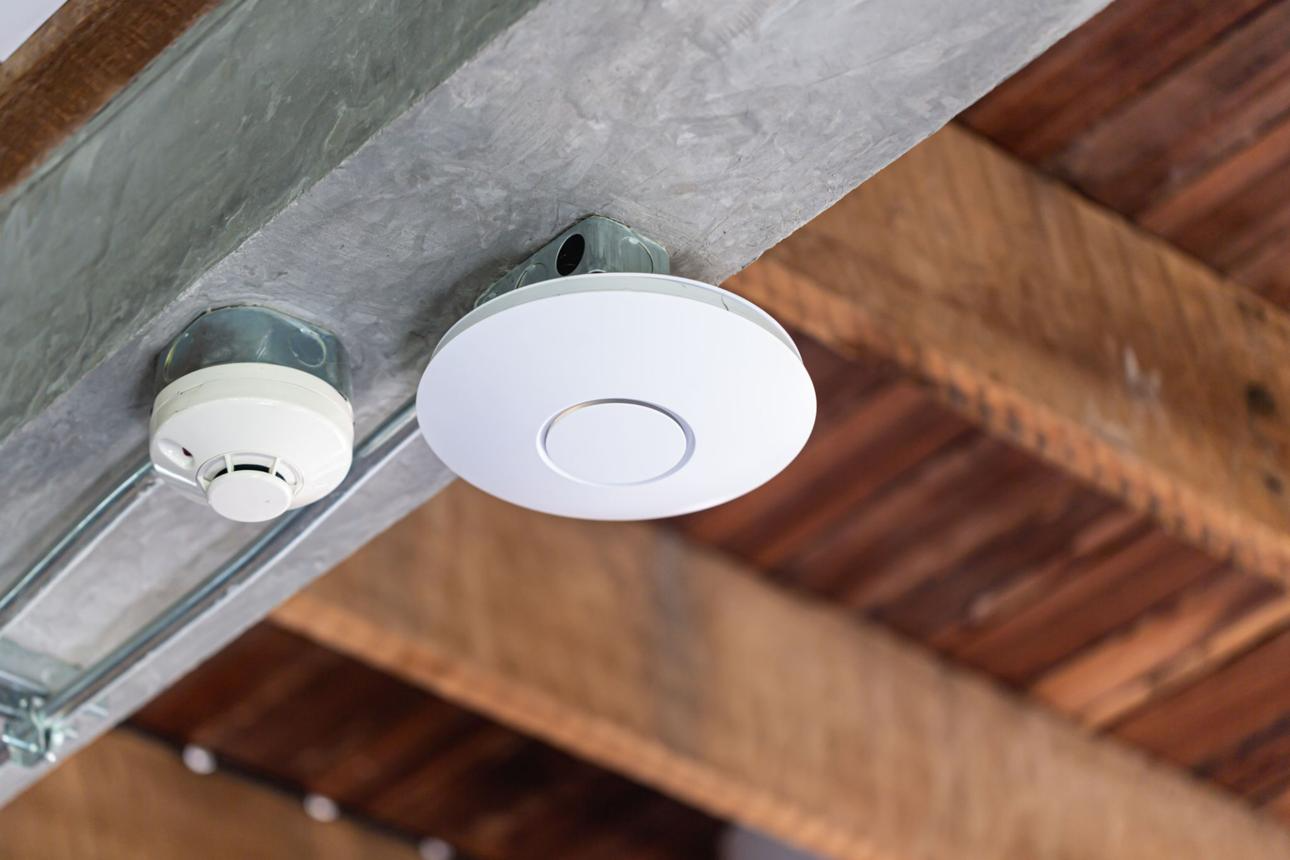
If your property provides Wi-Fi throughout the building and you do not have your own router in your unit, you are most likely on a managed Wi-Fi network.
⚠️ What to Expect
Some smart devices may:
- Have trouble connecting during setup
- Require multiple attempts to connect
- Disconnect or not stay reliably online
⚠️Devices That May Have Issues
Devices like Wyze cameras may:
- Require a 2.4 GHz-only connection
- Struggle with automatic network settings
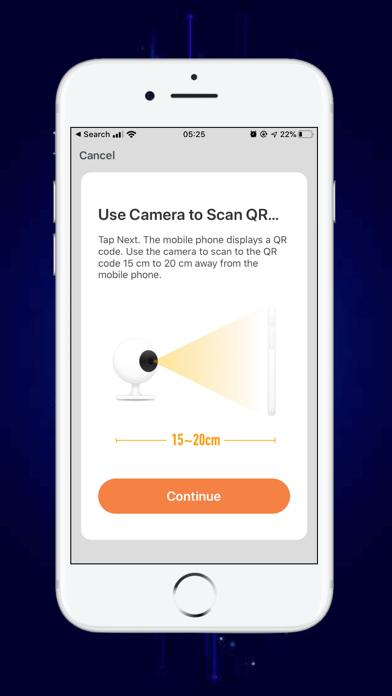
- Fail during QR code setup
⚠️While these devices may work, compatibility is not guaranteed.
✅ Devices That Typically Work Better
- Google Nest
- Eufy
These brands are generally more reliable on managed Wi-Fi networks, however, we do recommend you do your research and find what works best for you.
Ethernet (In-Unit Router Required)
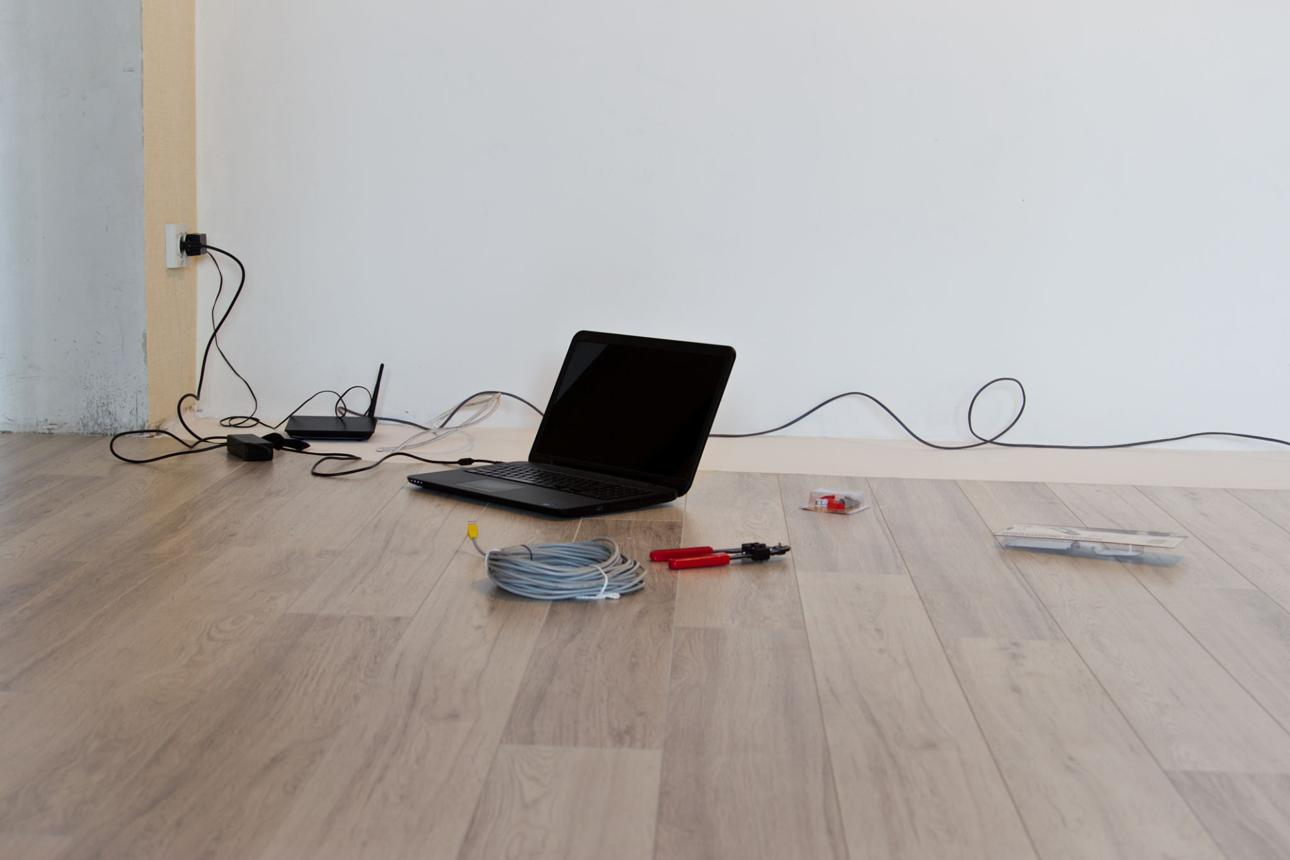
If your unit has a wall Ethernet port and you connect your own router, you are using a more traditional home network setup.
✅ What to Expect
- Most smart cameras will work normally
- Easier setup and more stable connections
- Greater control over your Wi-Fi network
Compatible Devices
- Wyze cameras
- Ring, Nest, Eufy, and most other smart home brands
This setup is the most compatible with all smart home devices.
Setup Tips for Any Connection Type
- Set up your camera close to your Wi-Fi source
- Make sure your phone is connected to the same network
- Restart the device and try again if setup fails
- Allow app permissions (camera, location, Bluetooth)
Need Help?
If you’re unsure which setup you have or need help connecting your device, we’re here for you!
Email: support@smartaira.com
Call/Text: (310) 974-8776
Submit a request: https://support.smartaira.com/support/tickets/new
Good to Know
Not all smart devices are designed to work on every type of network. If a device doesn’t connect, it may be due to how the device was designed rather than an issue with your internet service.
Was this article helpful?
That’s Great!
Thank you for your feedback
Sorry! We couldn't be helpful
Thank you for your feedback
Feedback sent
We appreciate your effort and will try to fix the article