If you’re moving from one Smartaira community to another, we can help make the transition as smooth as possible.
✅ What to do before your move
Please reach out to our Smart Desk so we can prepare your account for your new home.
We’ll help:
Transfer or set up your service at the new community
Make sure your account is linked to the correct unit
Provide instructions for getting connected on move-in day
How to get help
Contact the Smart Desk support@smartaira.com and let us know:
Your current address
Your new community and unit number
Your move-in date
Good to know
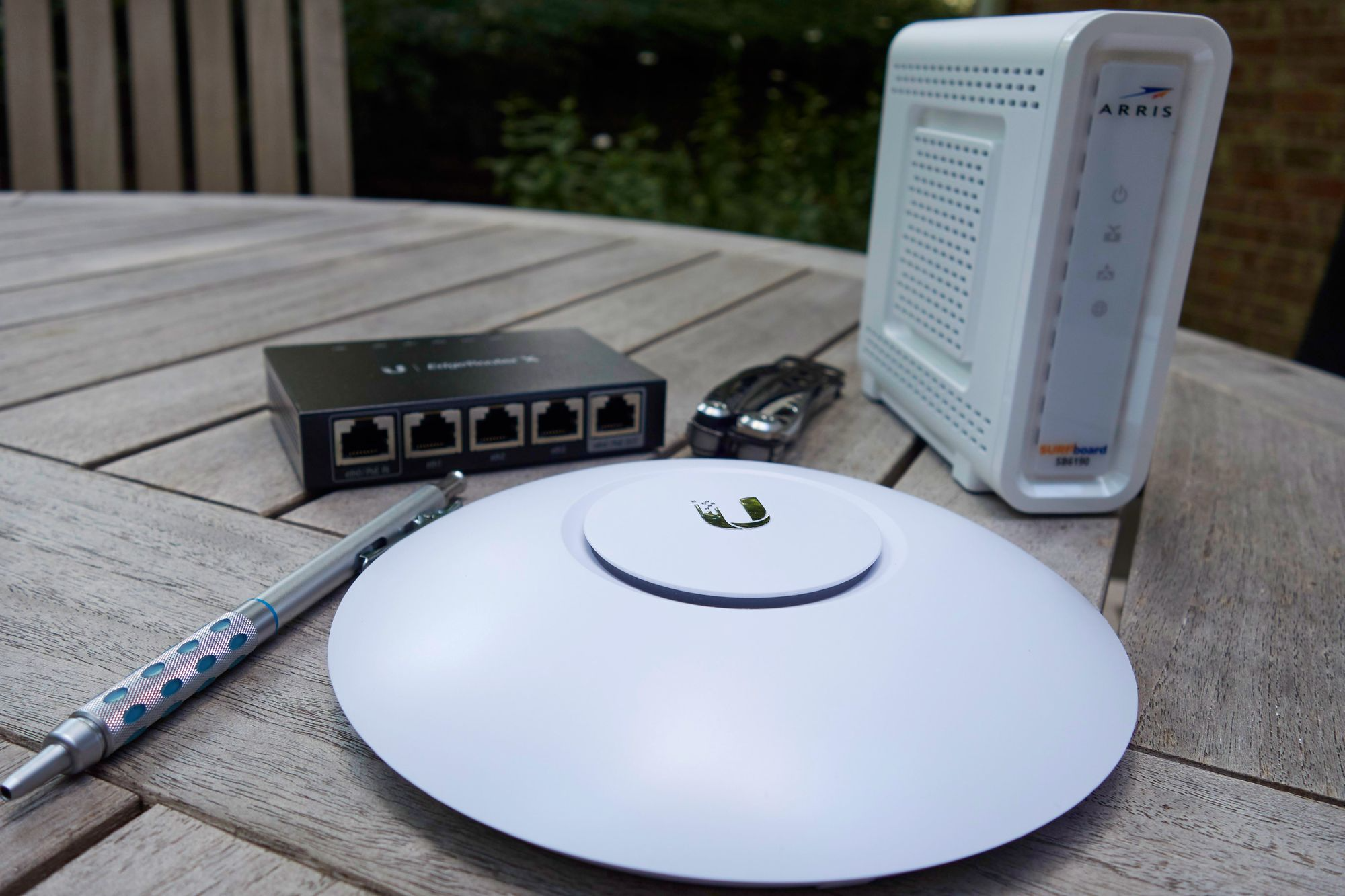
Each community may have a different setup (Wi-Fi only or wired connections)
Equipment and connection steps may vary depending on the property
Reaching out ahead of your move helps avoid delays
⚠️ Important
Service does not automatically transfer between communities. Please contact us before your move to ensure everything is ready at your new home.
Was this article helpful?
That’s Great!
Thank you for your feedback
Sorry! We couldn't be helpful
Thank you for your feedback
Feedback sent
We appreciate your effort and will try to fix the article